Some fun,
new widgets.

ABE adds a handful of new widgets to Fusion's widget picker — some brand new, some better versions of what's already there.

A little visual breathing room.

A widget that doesn't do anything.

And that's the point. Dividers are purely visual — no outlet, no data, no config. Just a separator you can drop anywhere on your custom dashboards to break things into sections.
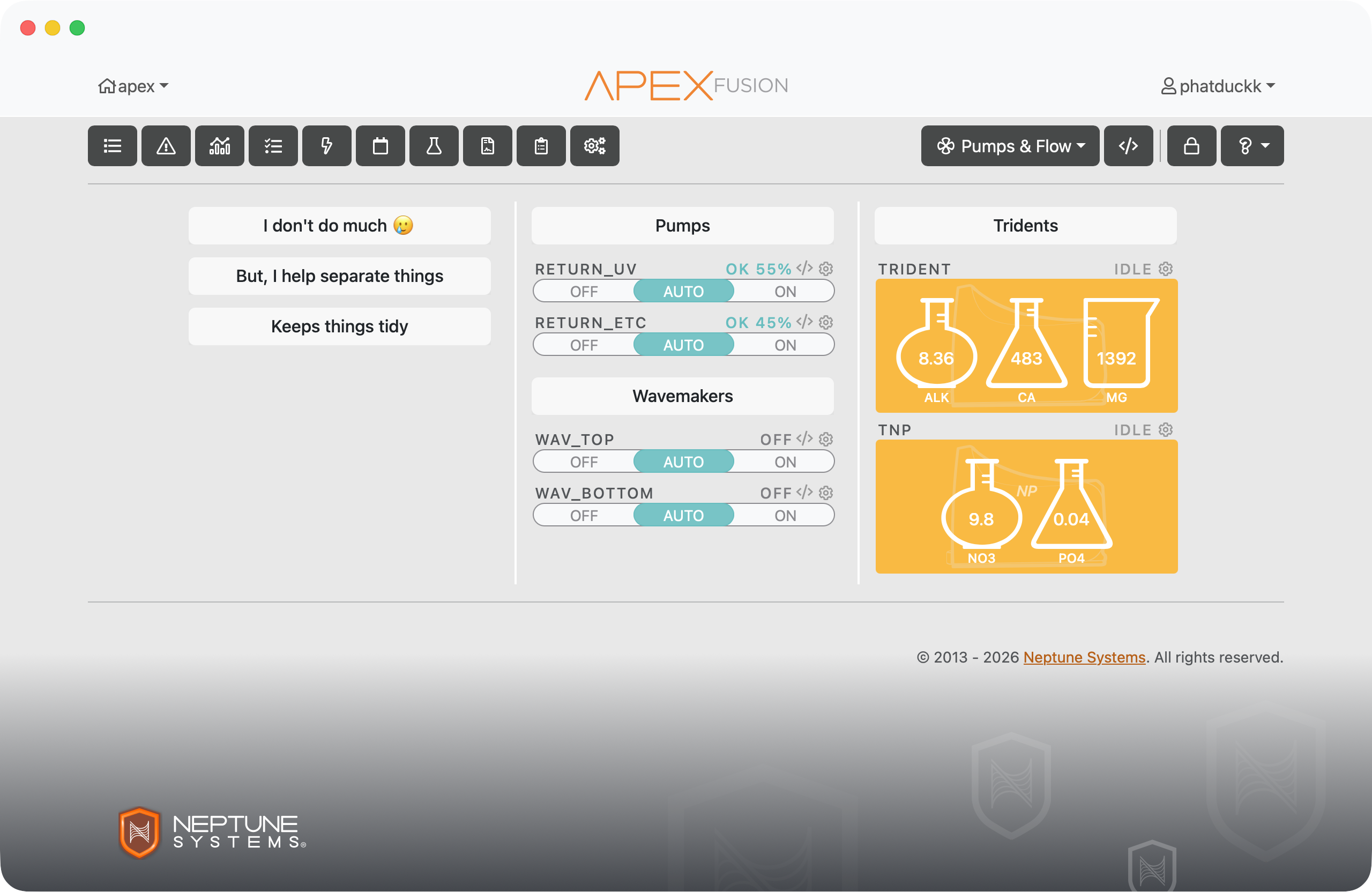
Divider widget on a dashboard

Custom text and color.

Give each divider a label, a background color, or both. Label your sections — Skimmer, Return, Dosing — or just use a color bar to create a visual break. Up to you.
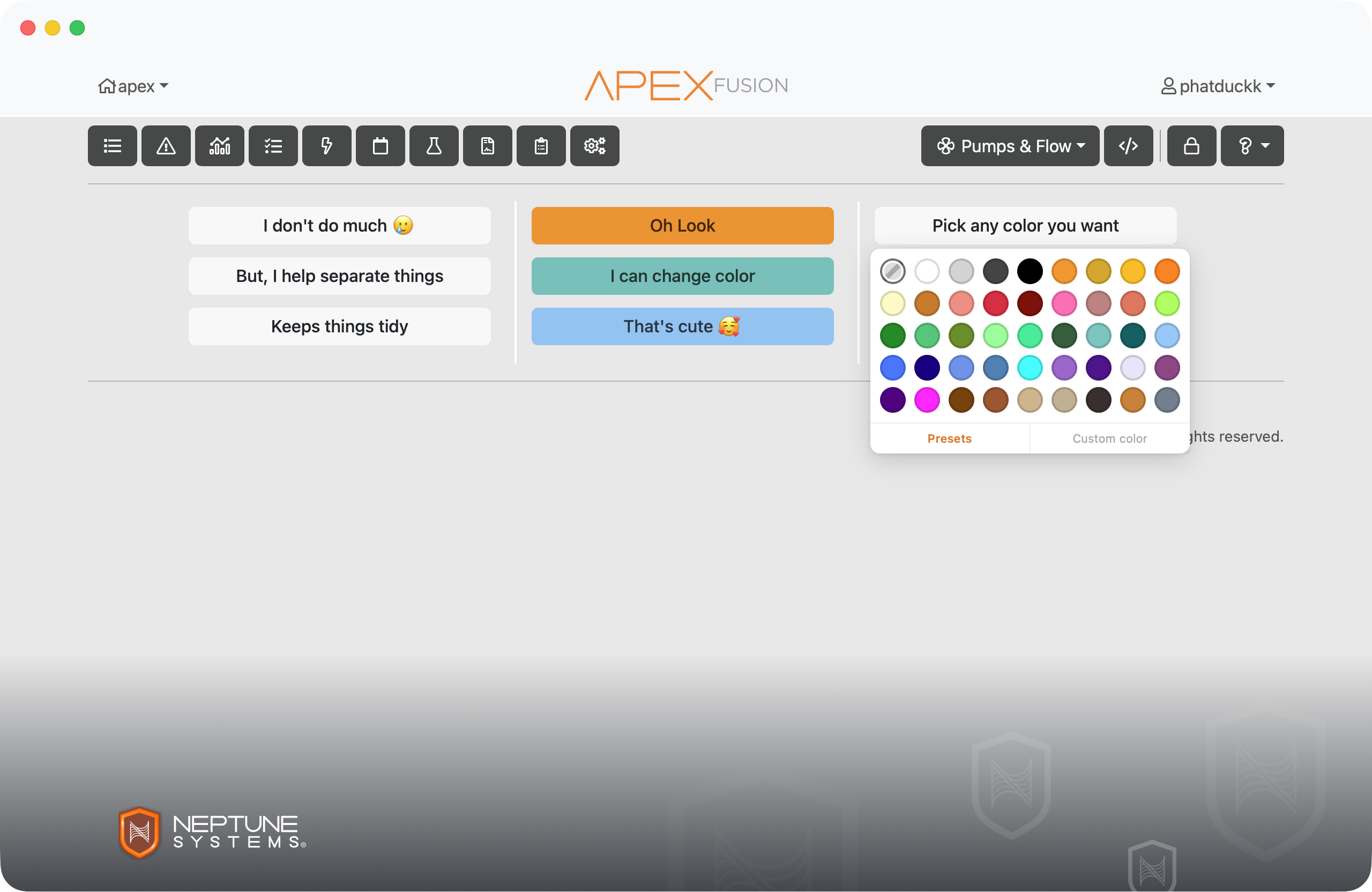
Divider with custom text and color

Leave yourself a note.

Sticky notes for your dashboard.

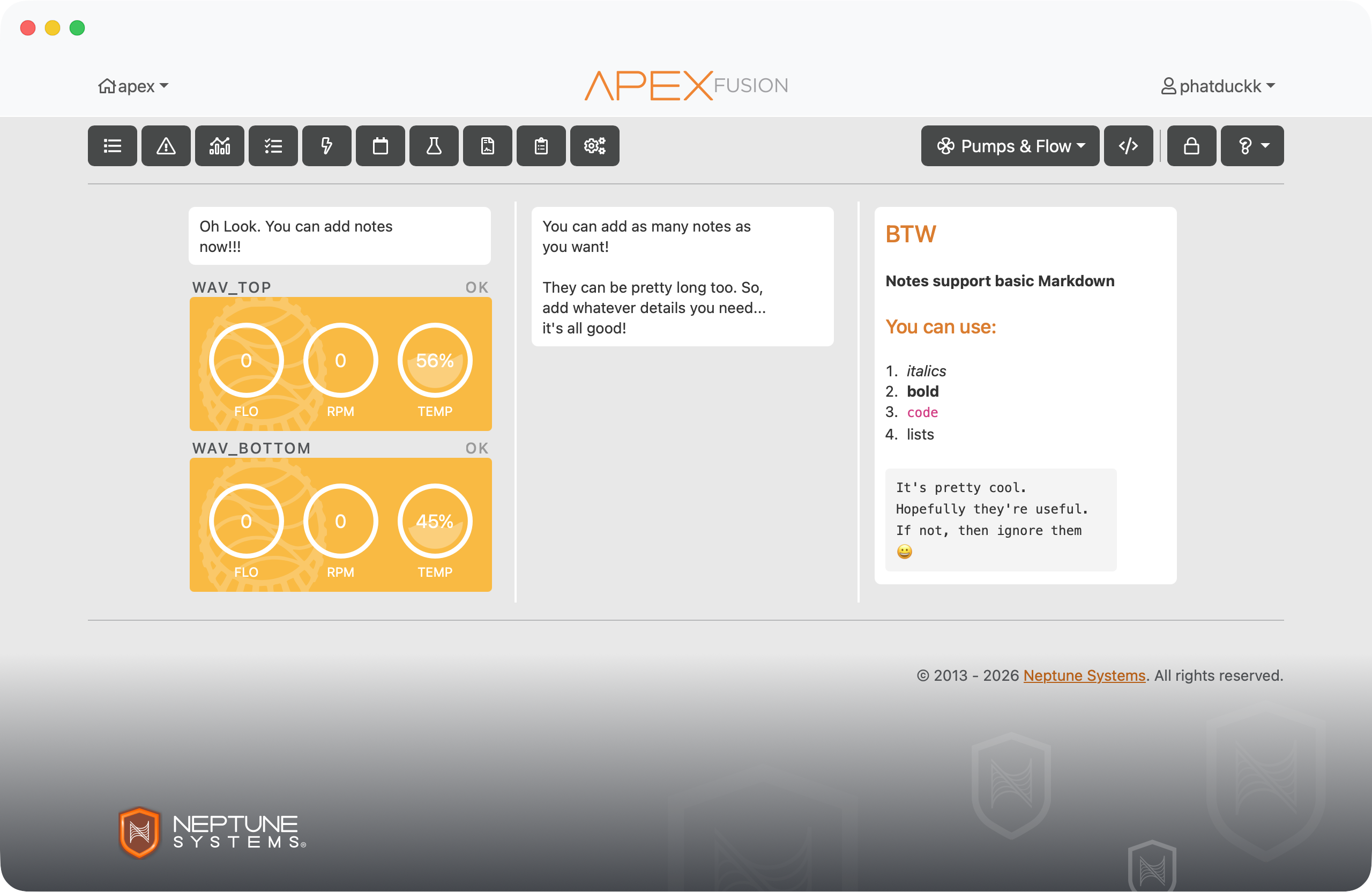
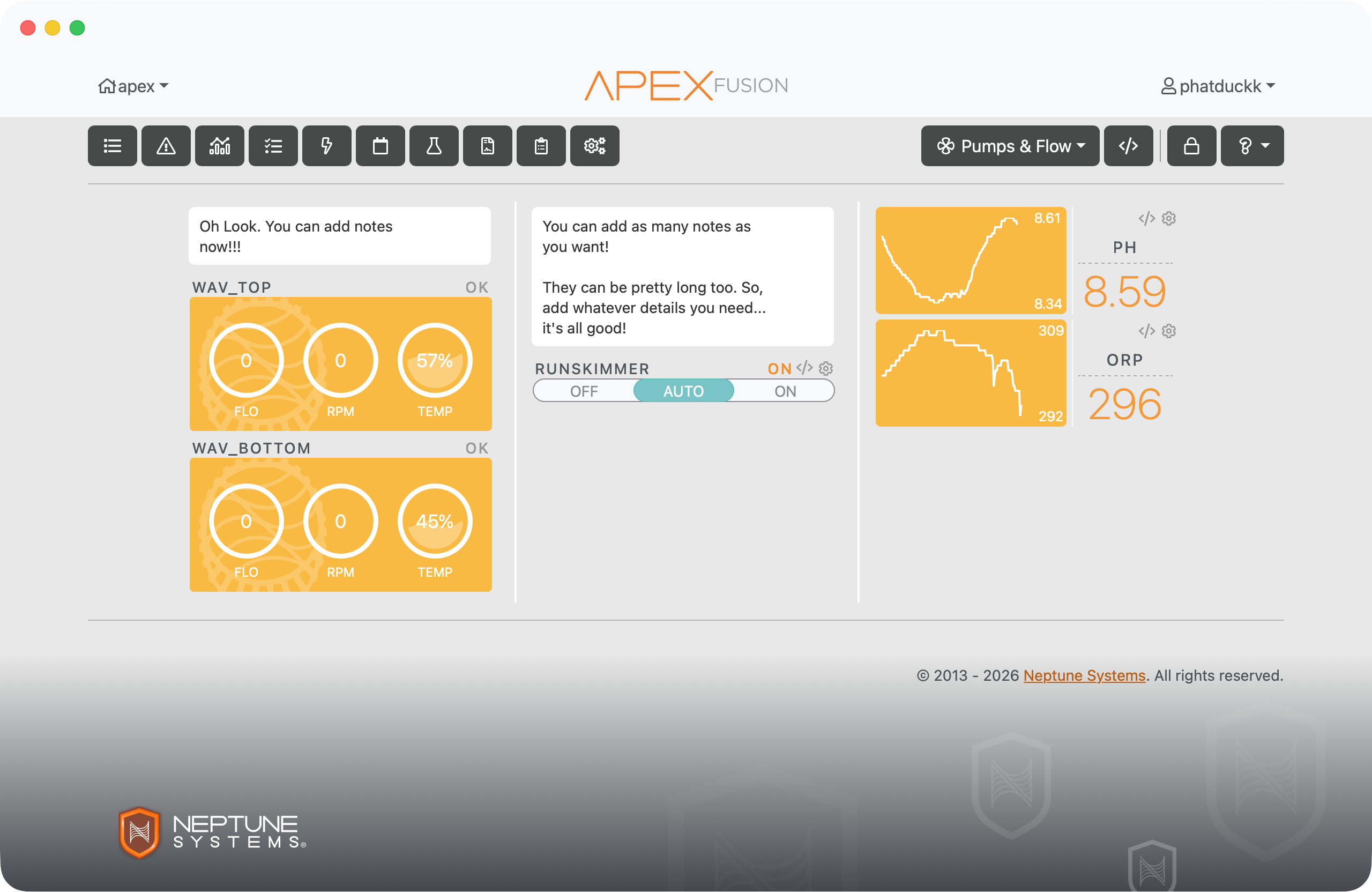
Drop a note widget anywhere on your dashboard to jot down reminders, document how something works, or leave instructions for whoever's tank-sitting while you're away.

Note widget on a dashboard

Supports basic Markdown.

Bold text, italics, bullet lists, headers — notes render basic Markdown so you can actually format things instead of staring at a wall of plain text.

Note widget with Markdown formatting

Widgets that tell it like it is.

Wet or dry — not open or closed.

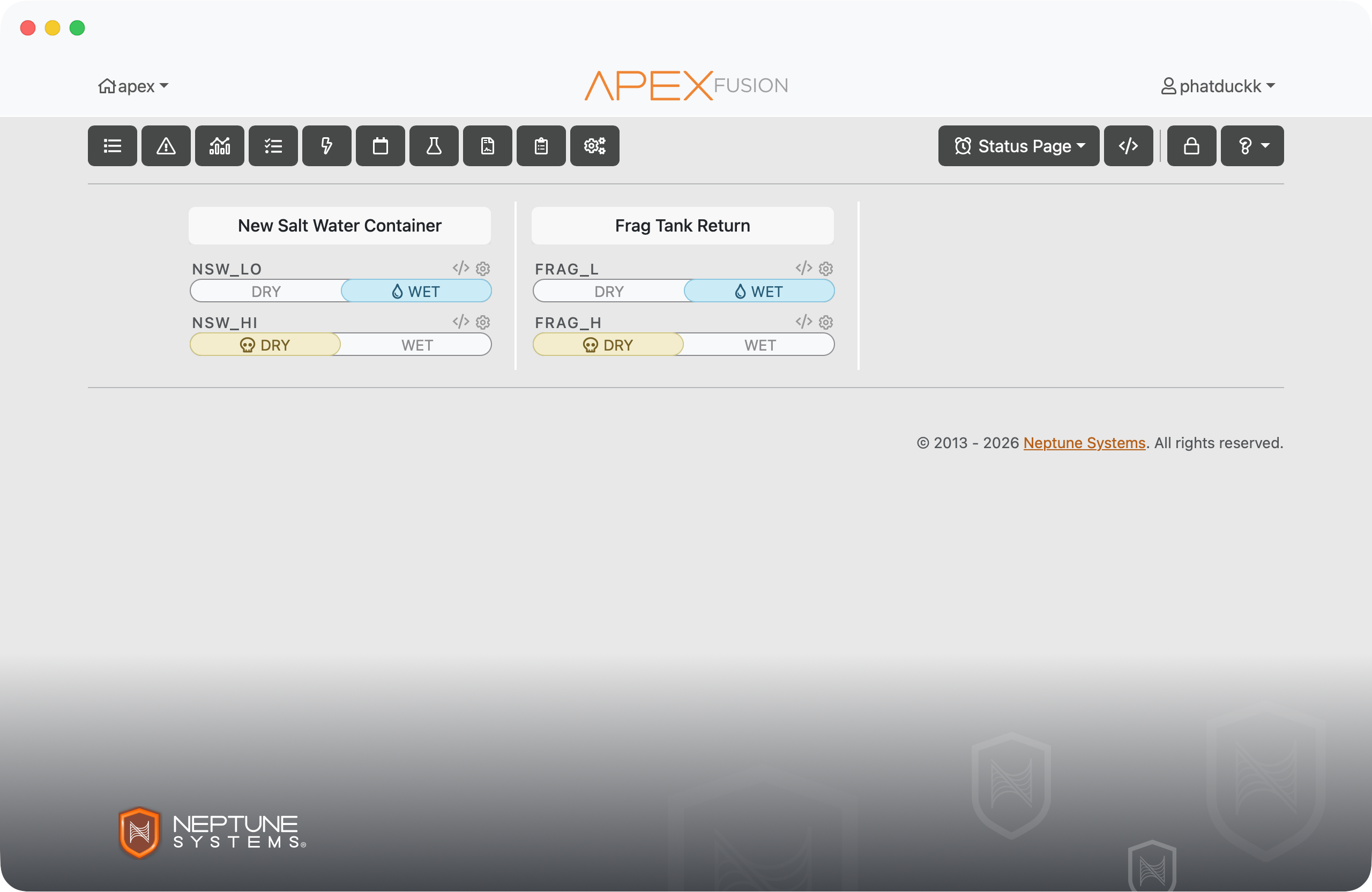
Fusion's optical widget shows the contact state — open or closed. That's technically correct but tells you nothing useful. ABE's Wet/Dry widget skips the jargon and shows what you actually want to know.

Wet/Dry widget

Keep an eye on your alarms.

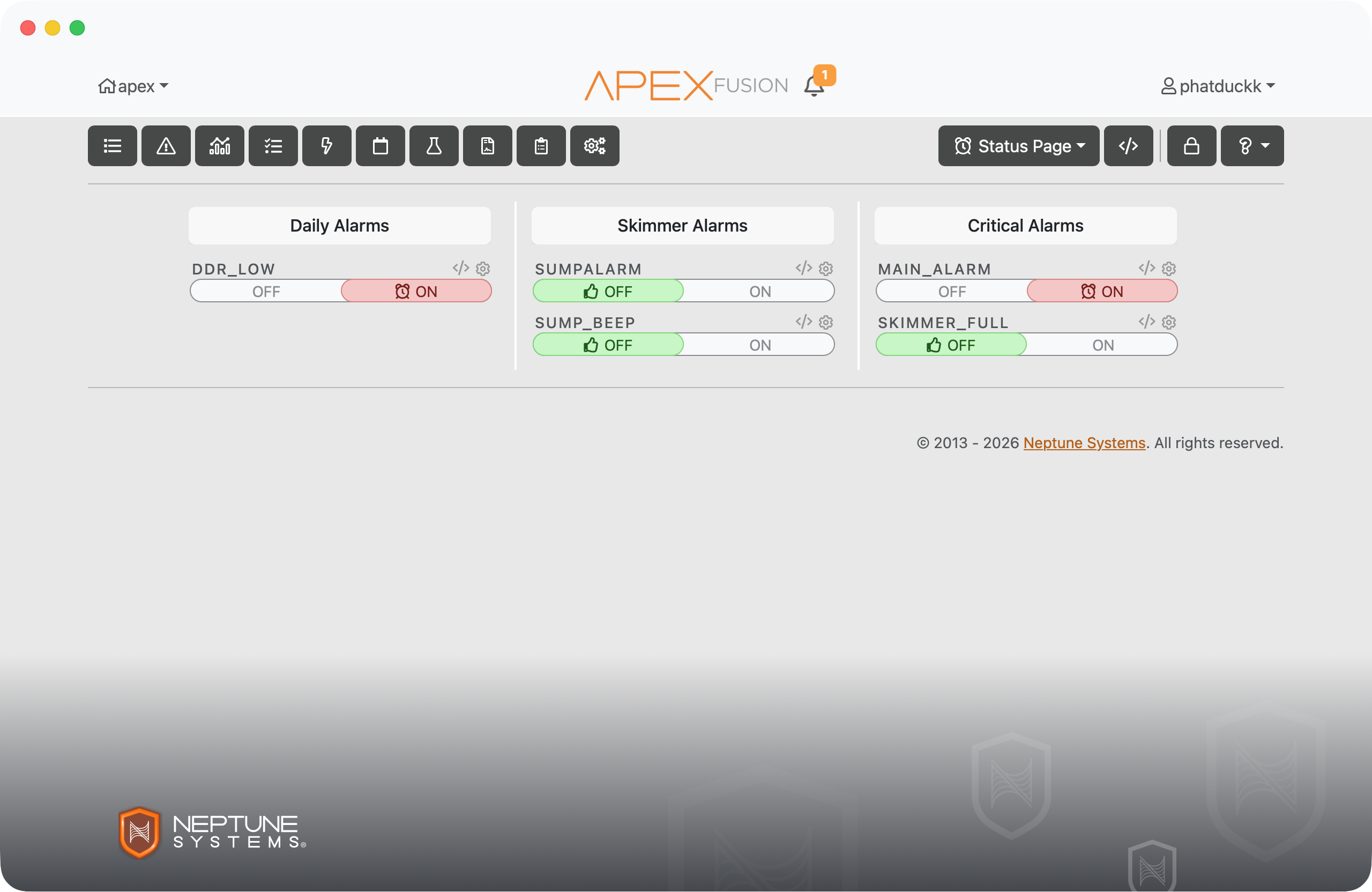
The Alarm widget shows whether an alarm output is currently active. Works with any Alarm-type output or virtual outlet — and it's display-only, so you can't fat-finger it while checking the status.

Alarm widget

On or off, for any output.

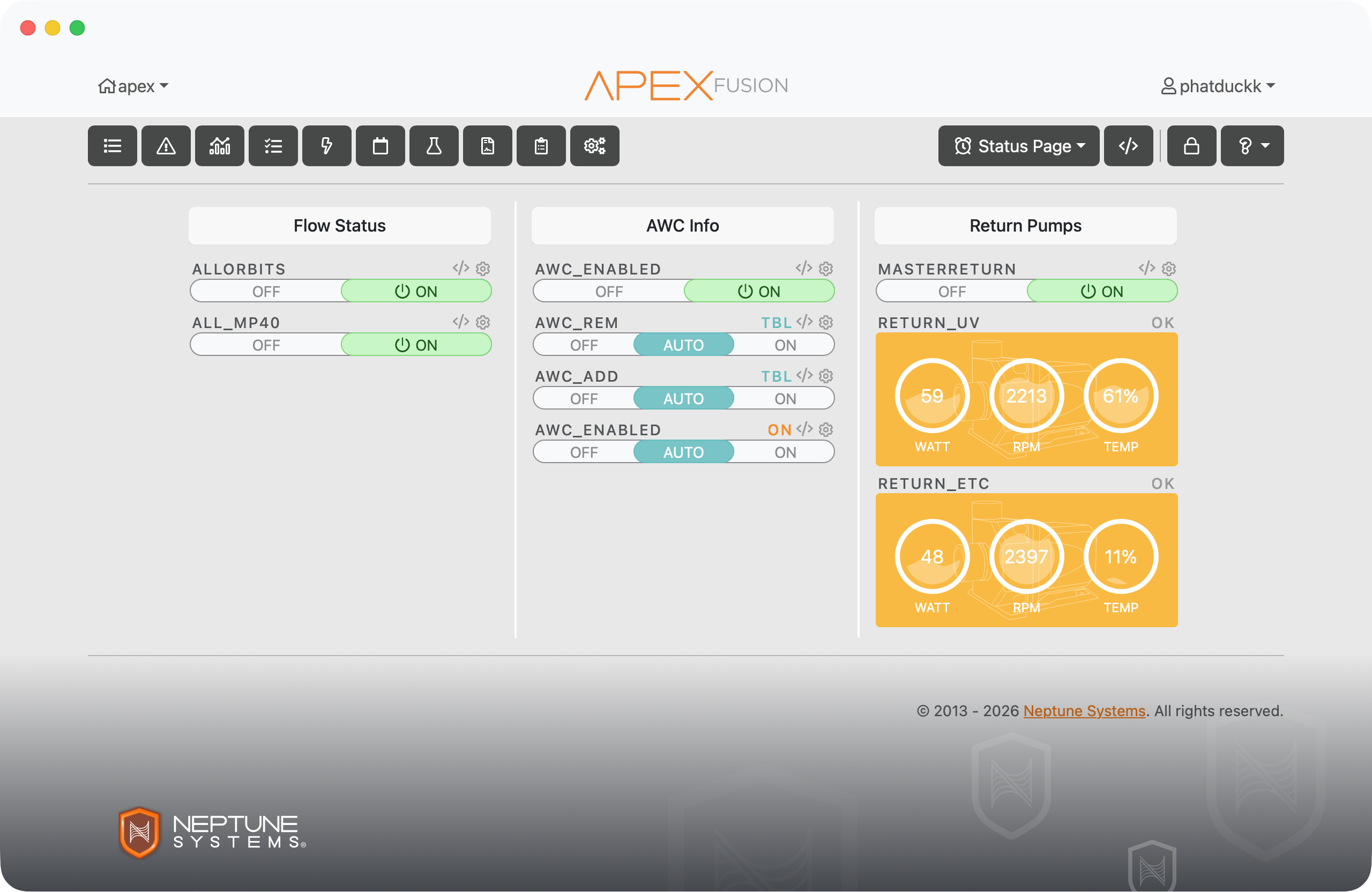
The On/Off widget shows the current state of any output — power bar outlets, variable speed pumps, virtual outlets — anything with an on/off state. Display-only, same as the Alarm widget.

On/Off widget