Organize your
dashboards.

Fusion gives you one dashboard for everything. ABE gives you as many as you need — plus the tools to keep them organized.

More views, more clarity.

More than one dashboard.

ABE lets you create as many dashboards as you want. Dedicate one to your return section, another to your sump, one more for your ATO — organize by zone, by equipment type, or however your brain works. Each dashboard is completely independent.
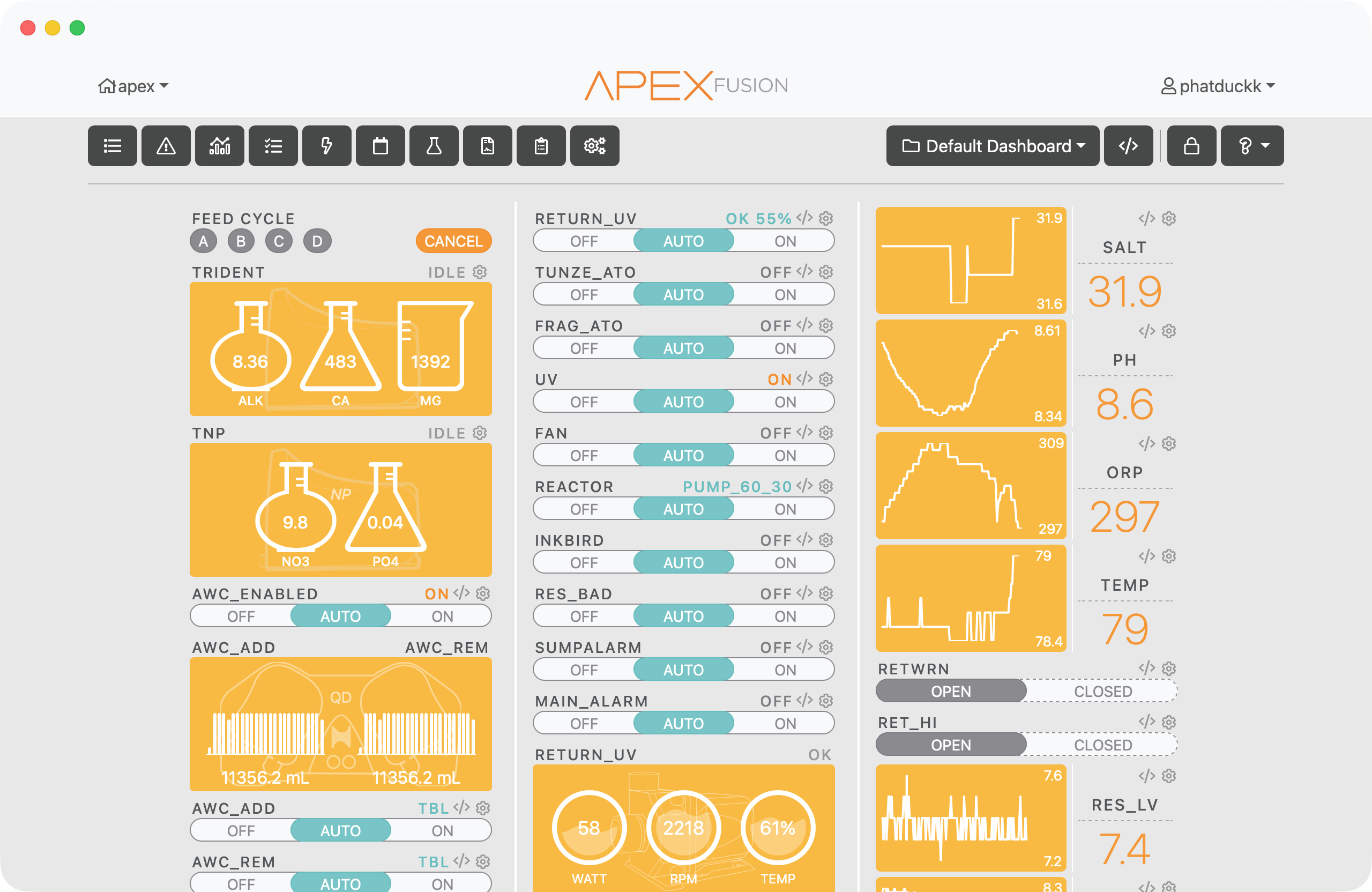
Multiple dashboards

Easy to add.

Hit the + in the dashboard picker to create a new one. Give it a name and it's ready to fill with widgets. Create as many as you need — ABE doesn't limit you.
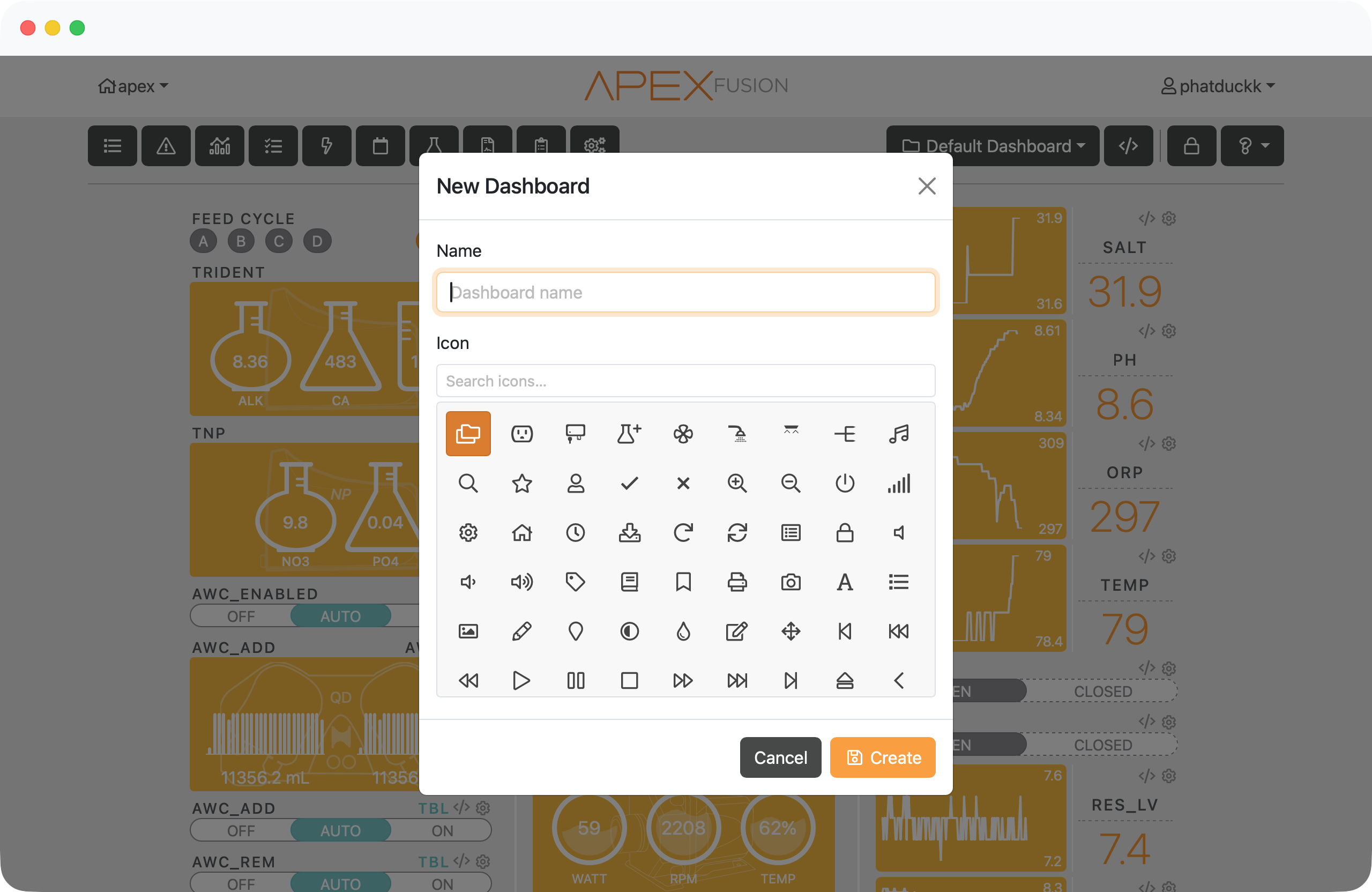
Create a new dashboard

Reorder and delete.

Drag your dashboards into whatever order makes sense. Don't need one anymore? Delete it. Your other dashboards and their widgets stay exactly where they are.
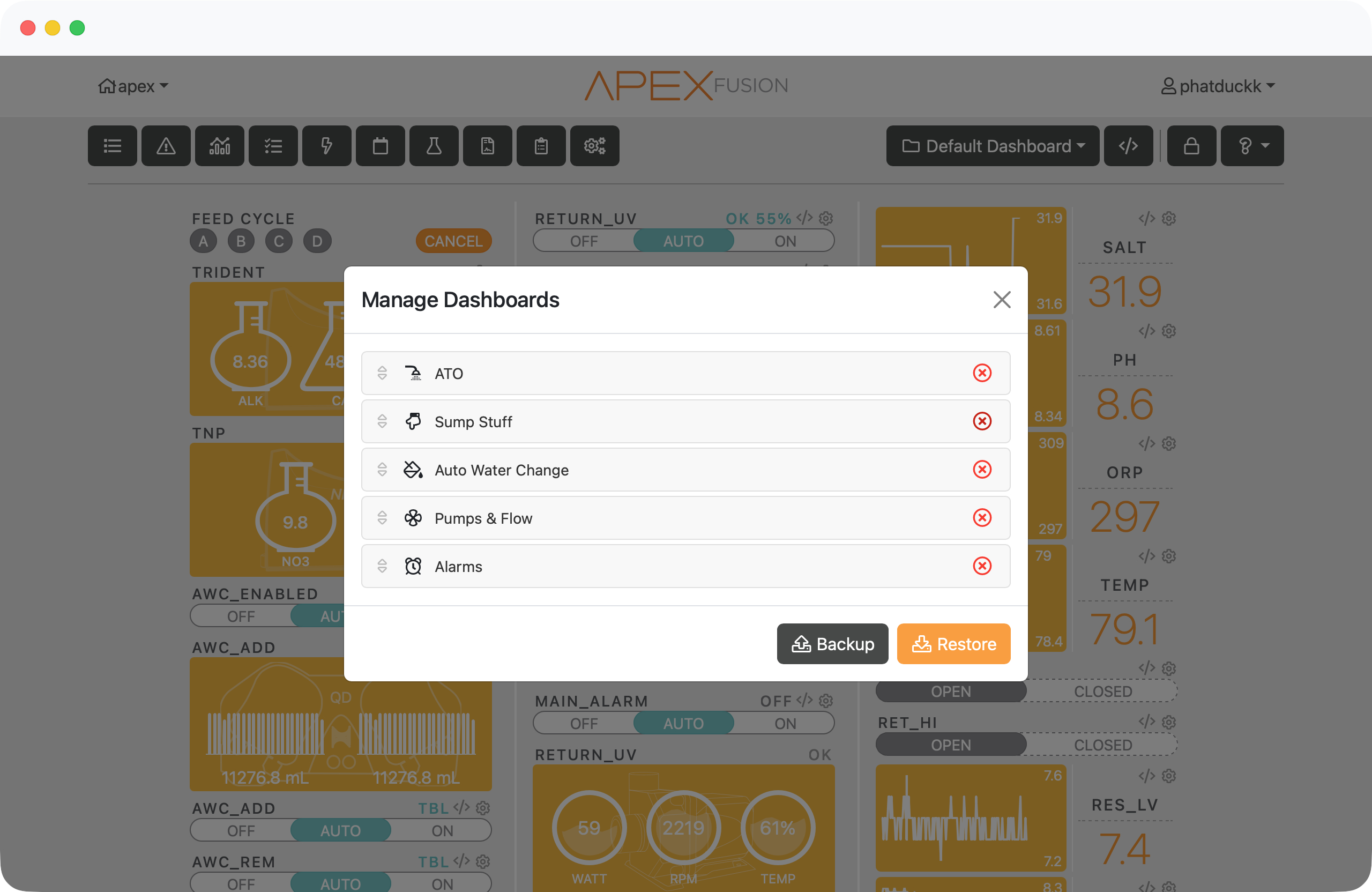
Manage dashboards

Backup and restore.

Export your custom dashboards to a file anytime. If something goes sideways — browser reset, new computer, whatever — import it back and you're right where you left off.
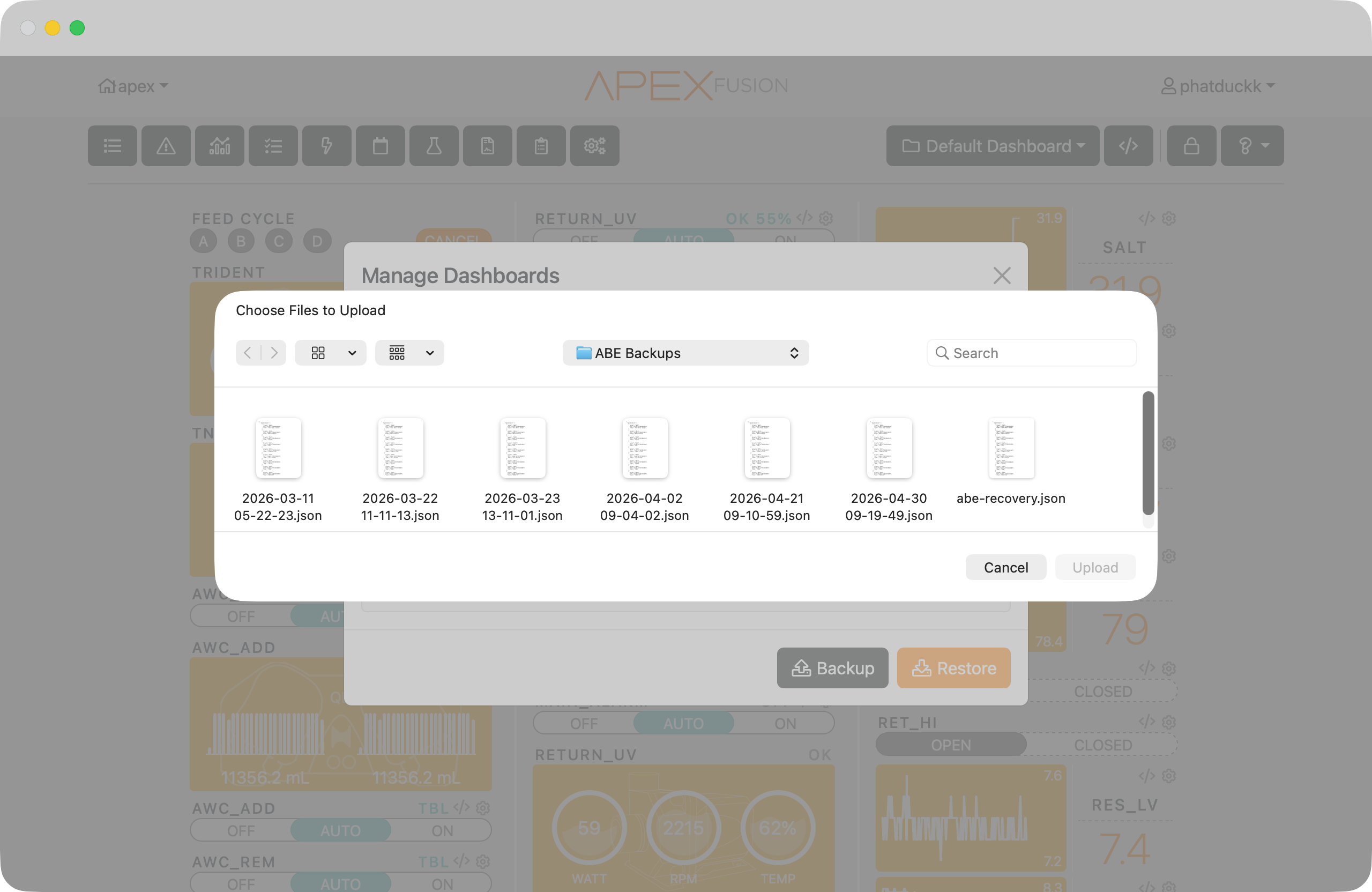
Backup and restore dashboards

Break things up a bit.

A new kind of widget.

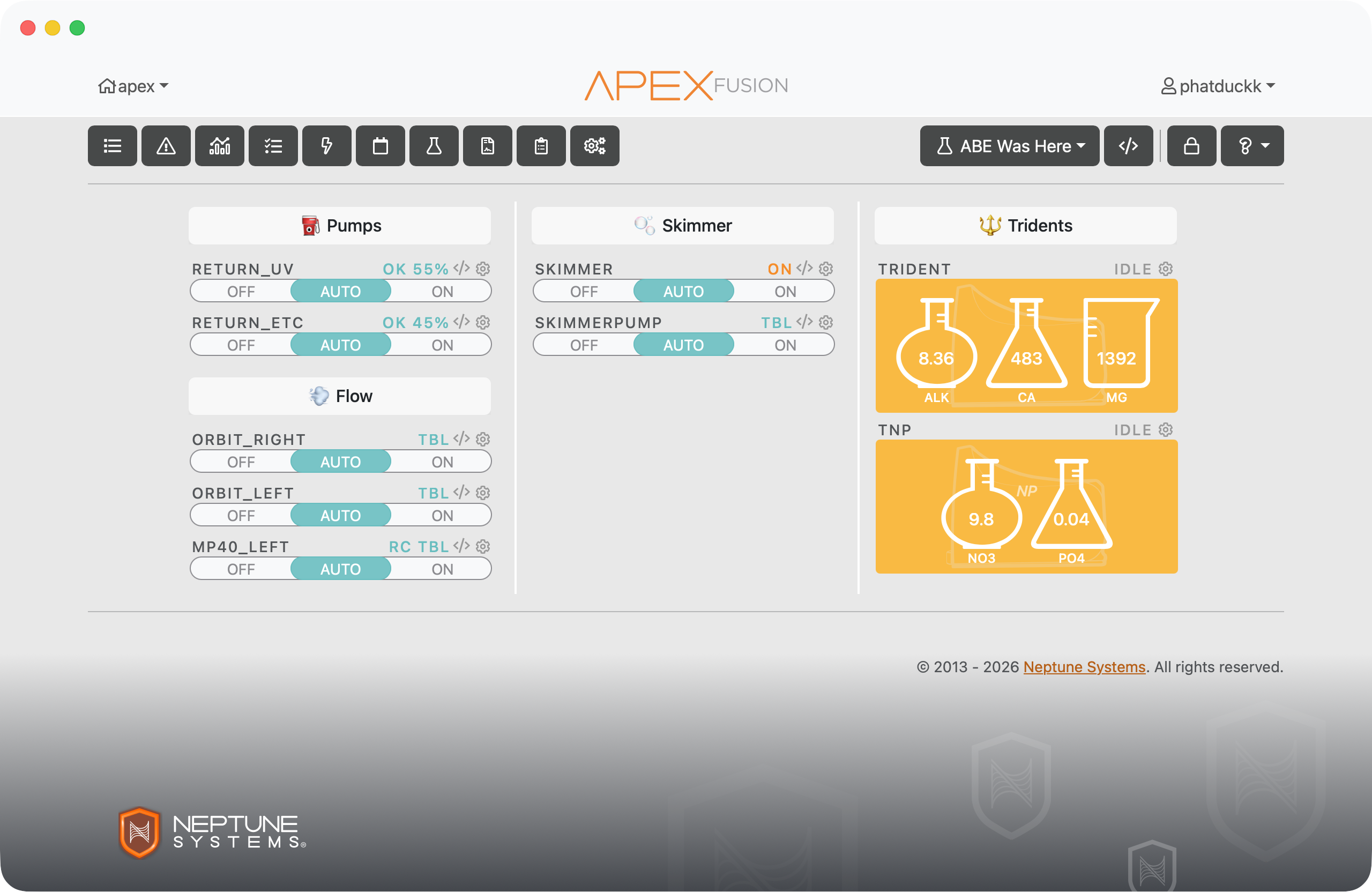
Dividers are a new widget ABE adds to the picker. They don't represent any outlet — they're purely visual separators you can use to create sections within your dashboard.

Divider widget in the picker

Add them anywhere.

Drop a divider between your pump group and your lighting group, at the top of a section — wherever you need a visual break. Add as many as you want to any of your custom dashboards.

Dividers on a dashboard

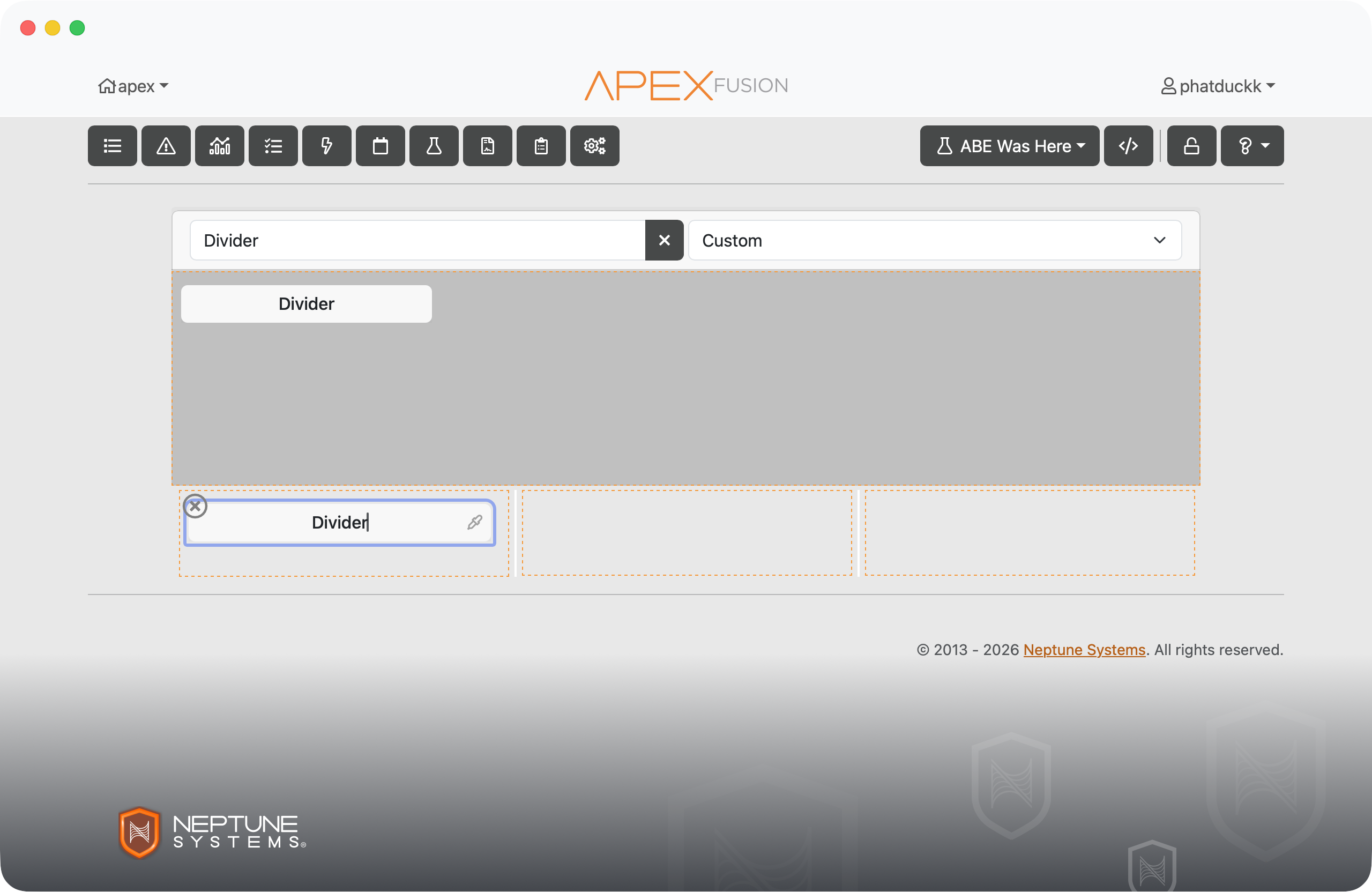
Customize the look.

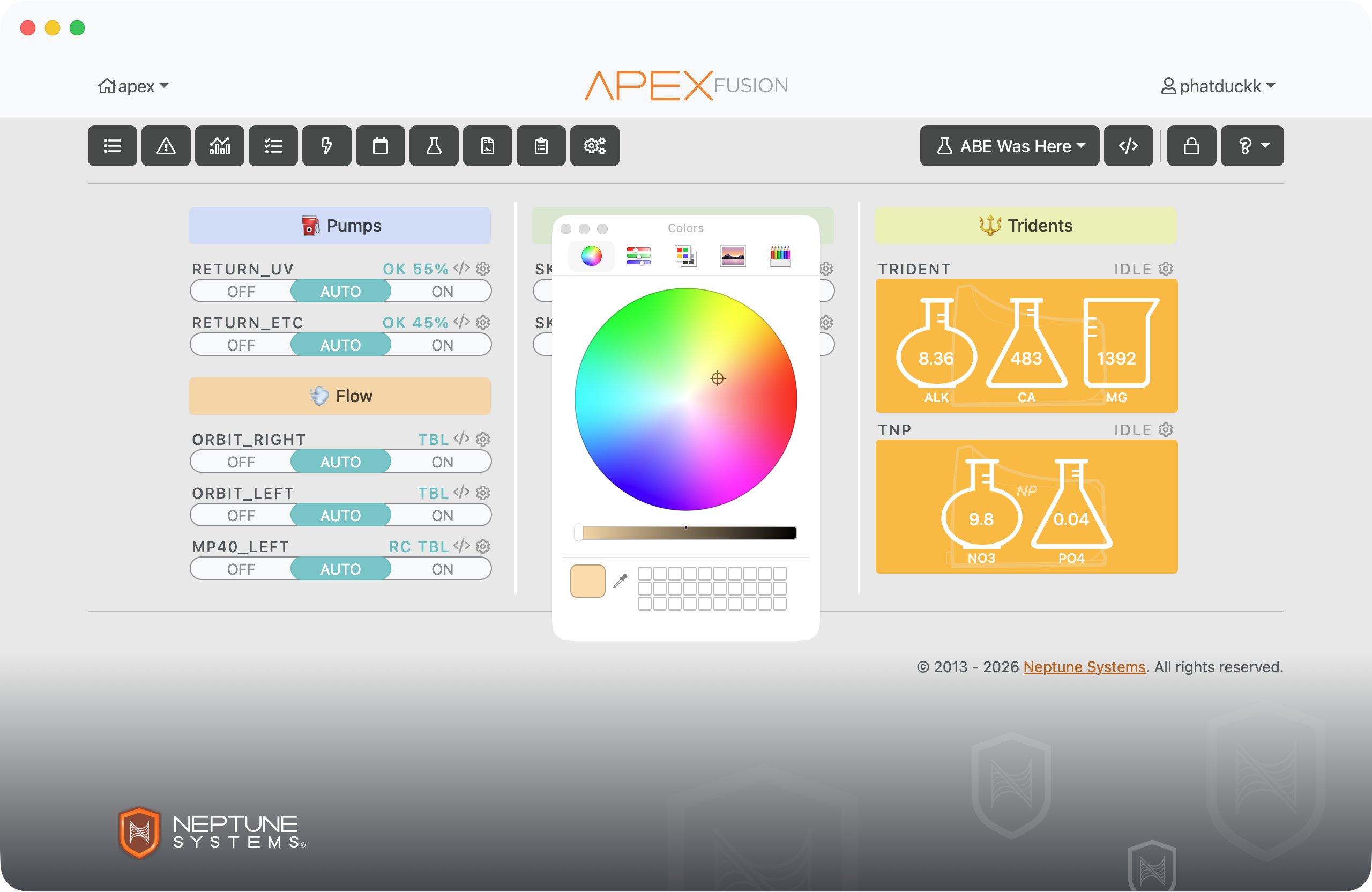
Give each divider a label, a background color, or both. Keep it minimal with just a color bar, or label your sections so your dashboard actually reads like something.

Customizing a divider