Quick Nav
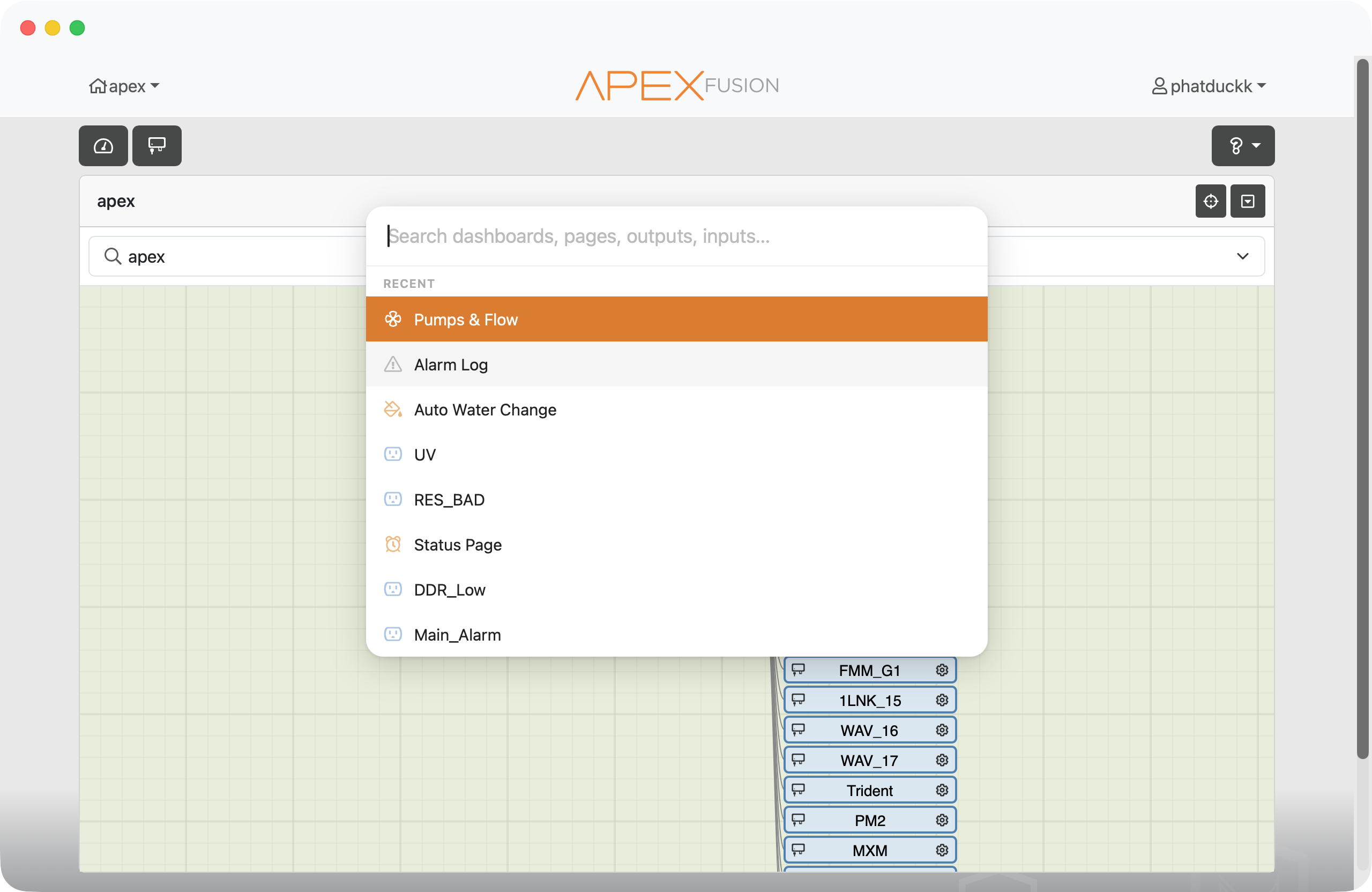
Any page. Any outlet. Instantly.
Hit ⌘K and go.
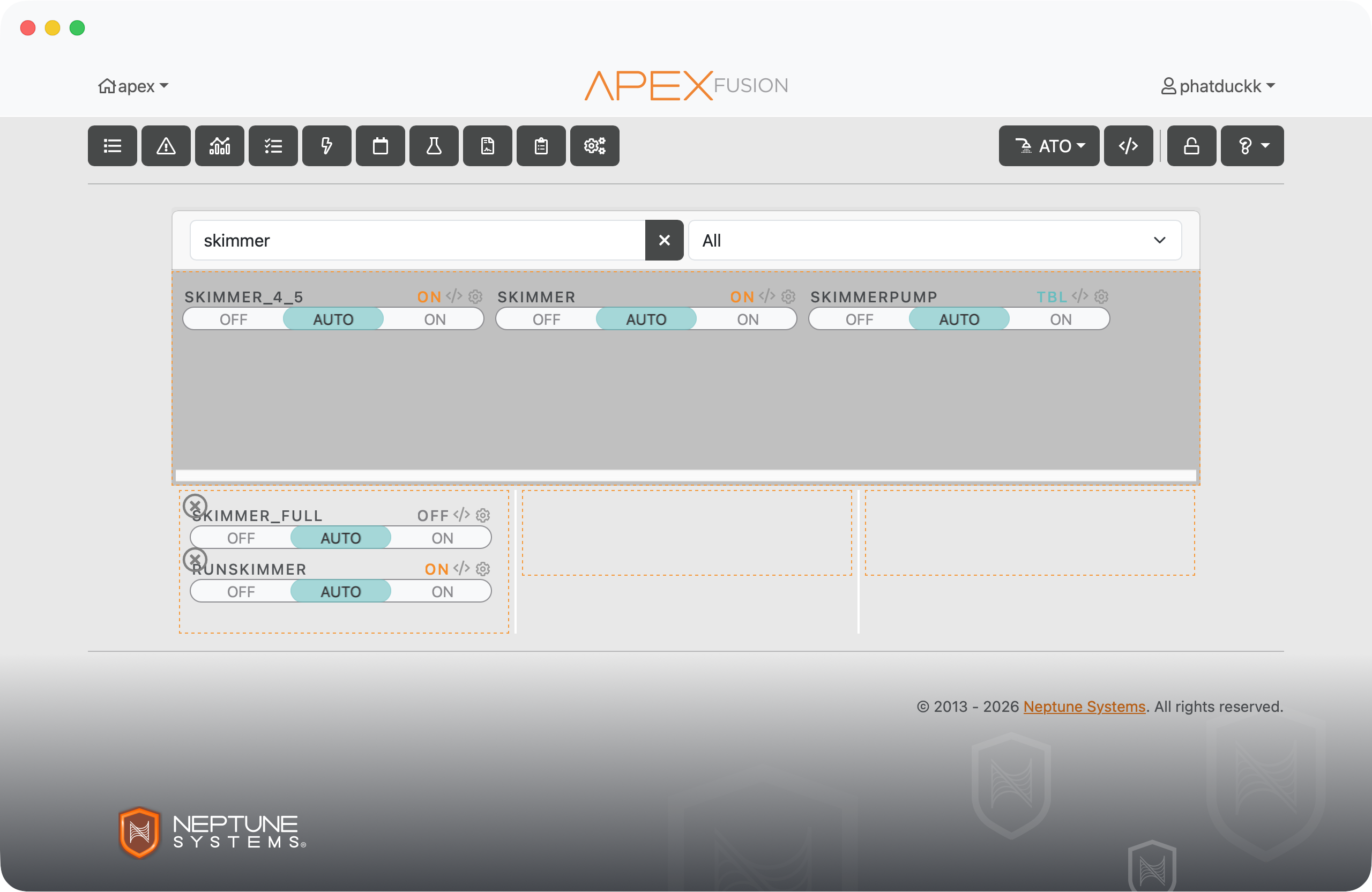
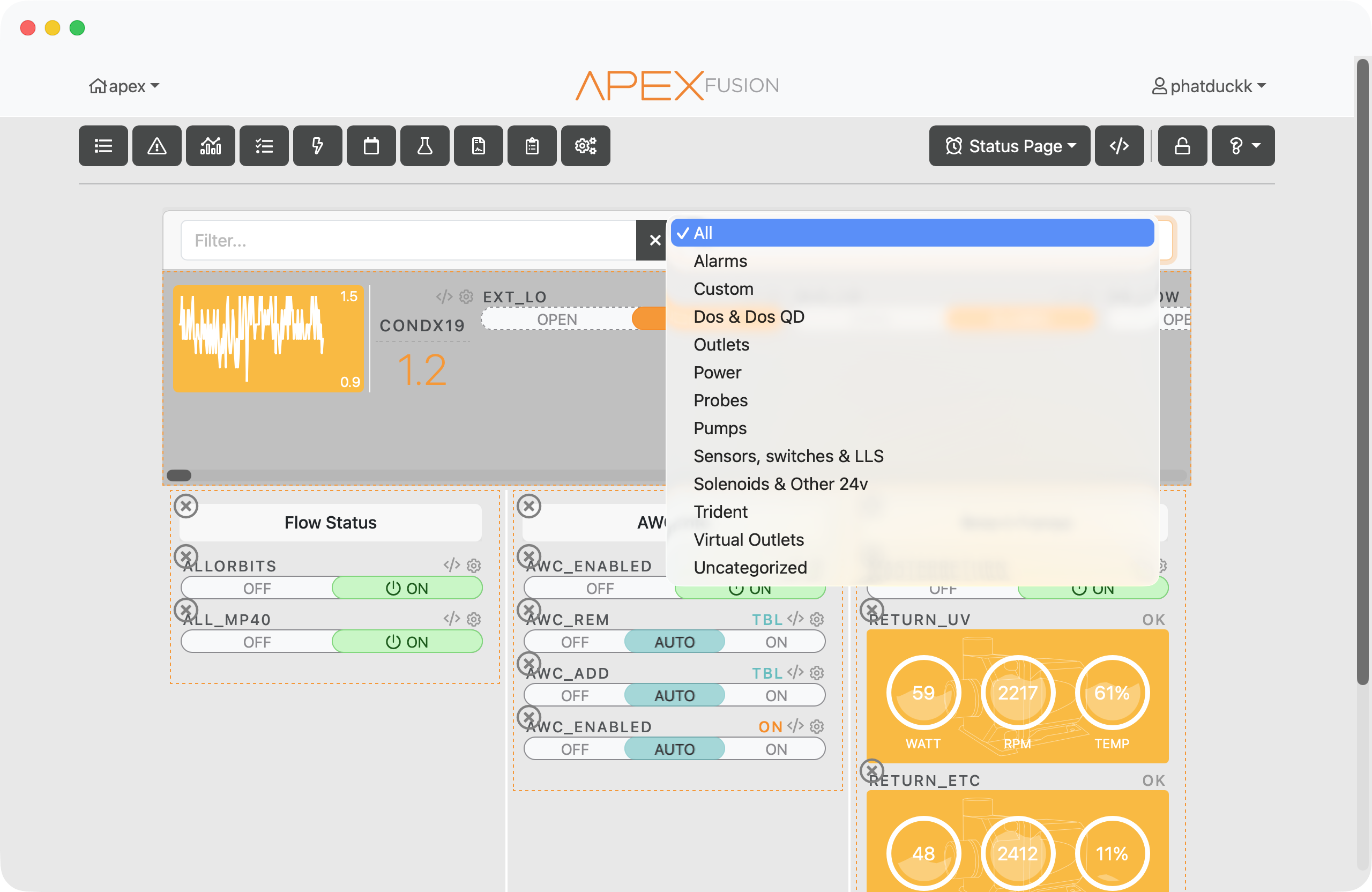
Press ⌘K on Mac or Ctrl+K on Windows to open Quick Nav from anywhere in Fusion. It searches across everything — every page, every output, every custom dashboard. Type a few letters and jump straight there, no digging through menus.
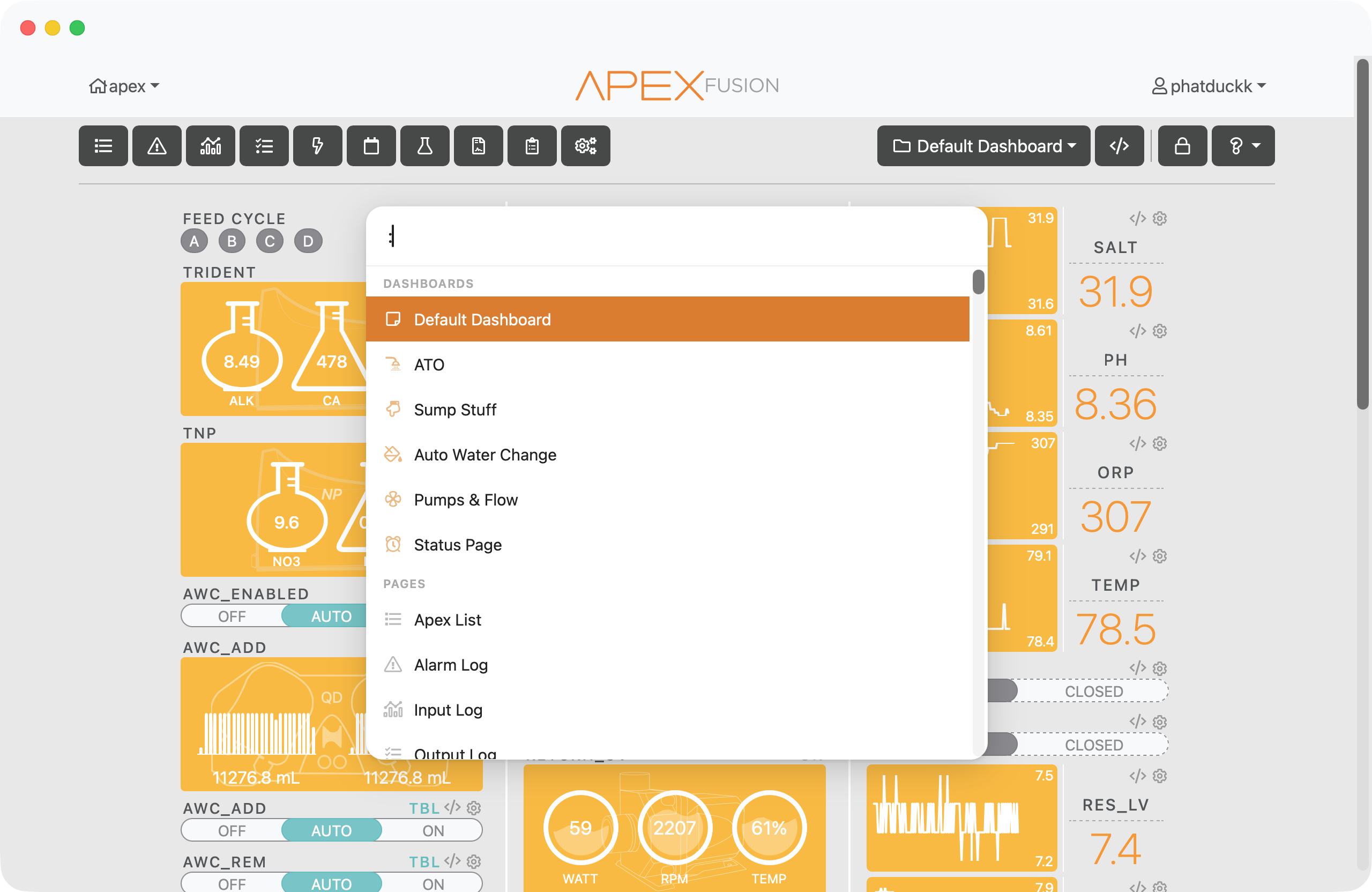
Recent items, right up top.
Quick Nav remembers where you've been. Your most recently visited pages and outputs appear at the top so you can jump back without having to type anything.